Lumeno AI
Lumeno AI’s all-in-one platform helps students in universities throughout North America in learning, practicing, and reviewing class materials.
Product Design Intern
Tony Liu, Kellie Ho, David Theophine, Nathan Law
Figma, Microsoft Clarity, Google Analytics 4
July - August 2025
PROBLEM
Wall of Anxiety: users were abandoning the product at the very first step—uploading study documents—before experiencing any value.
SOLUTION
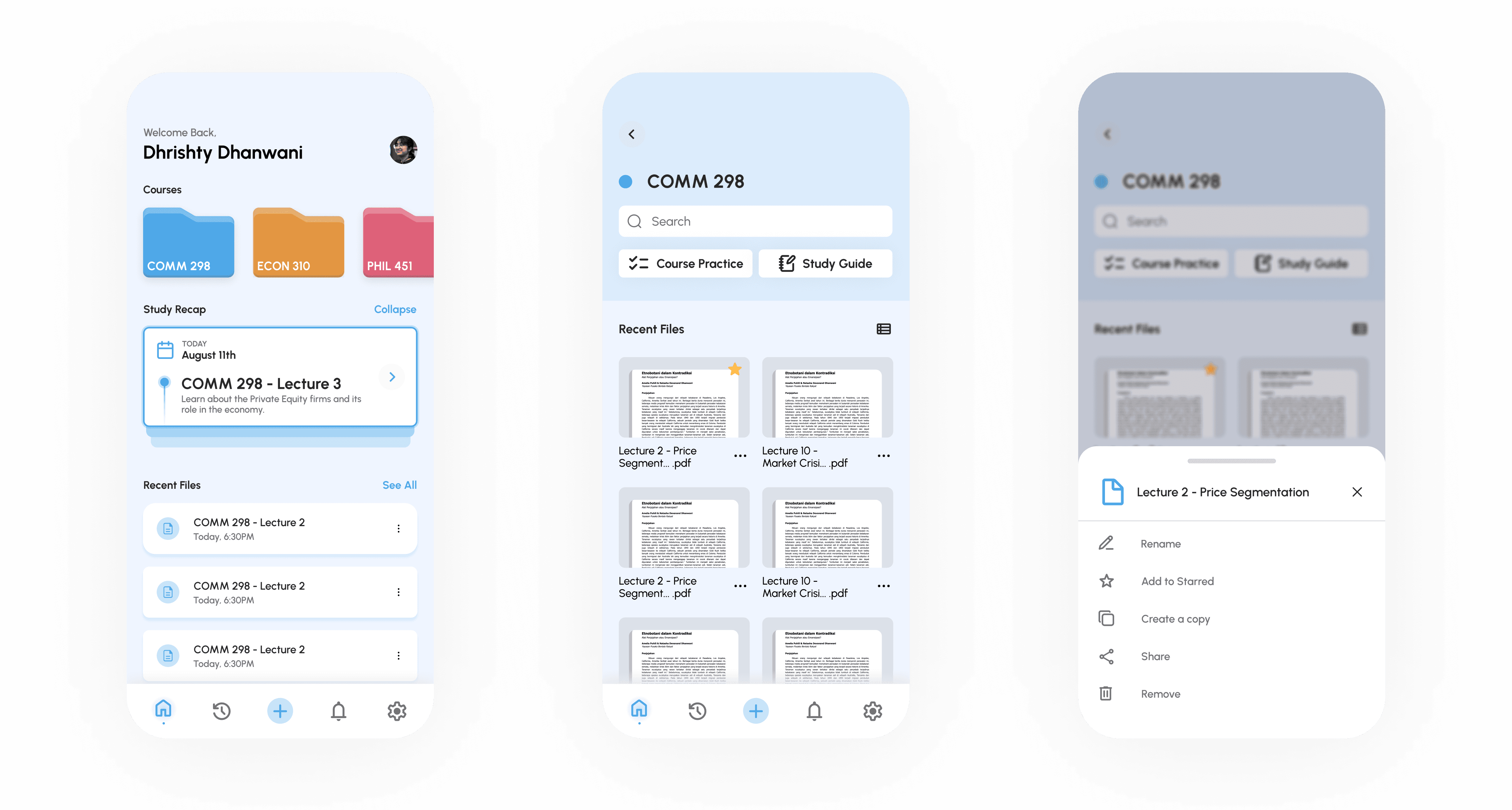
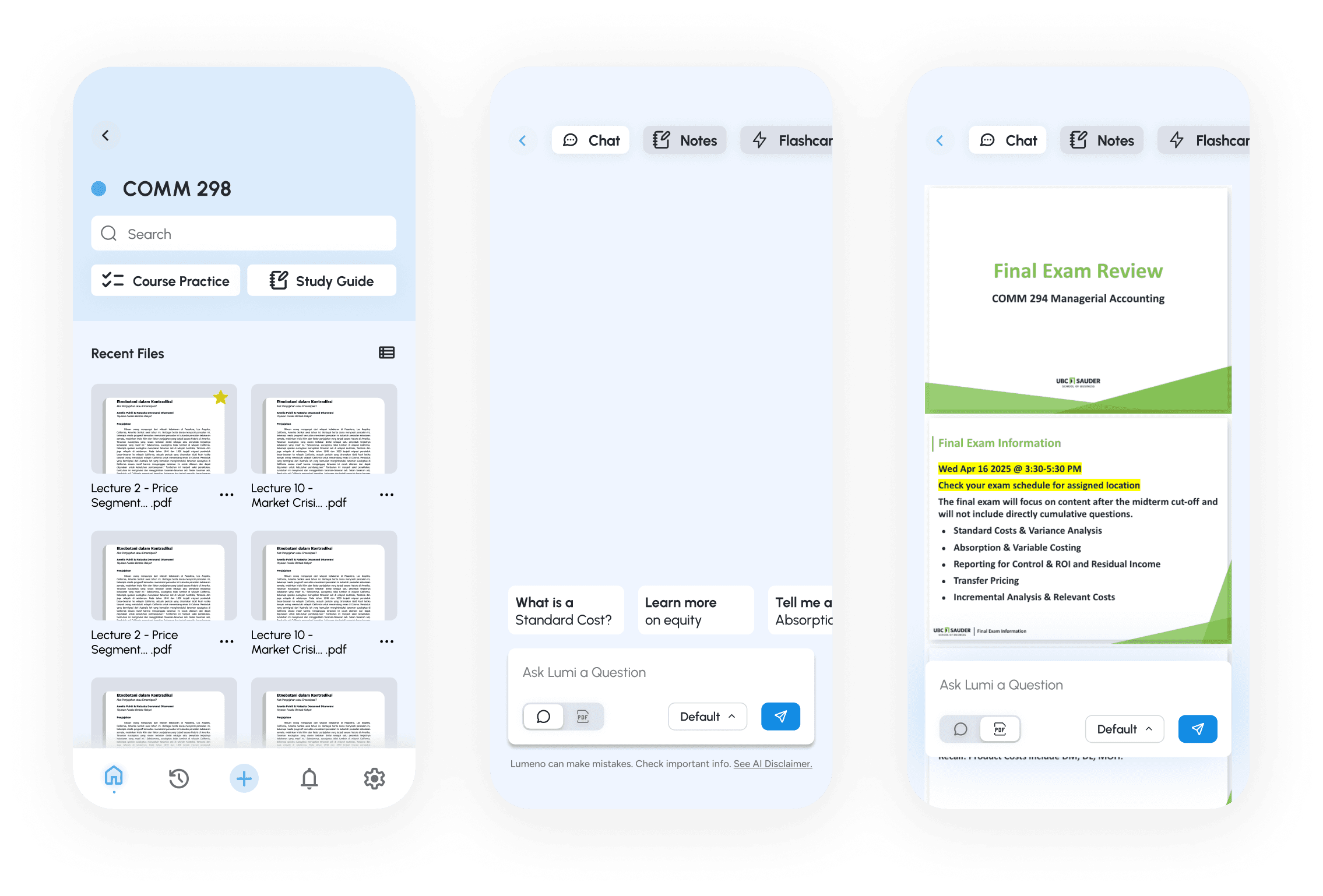
Restructure the flow so users immediately enter a familiar, GPT-style chat interface. Allowing for "value discovery" before user is asked to perform high-effort tasks.
HIGH LEVEL FLOW
RESEARCH
76% of users immediately used the chatbot.
86.4% clicked on Notes or Practice as their first action.
CHANGES MADE
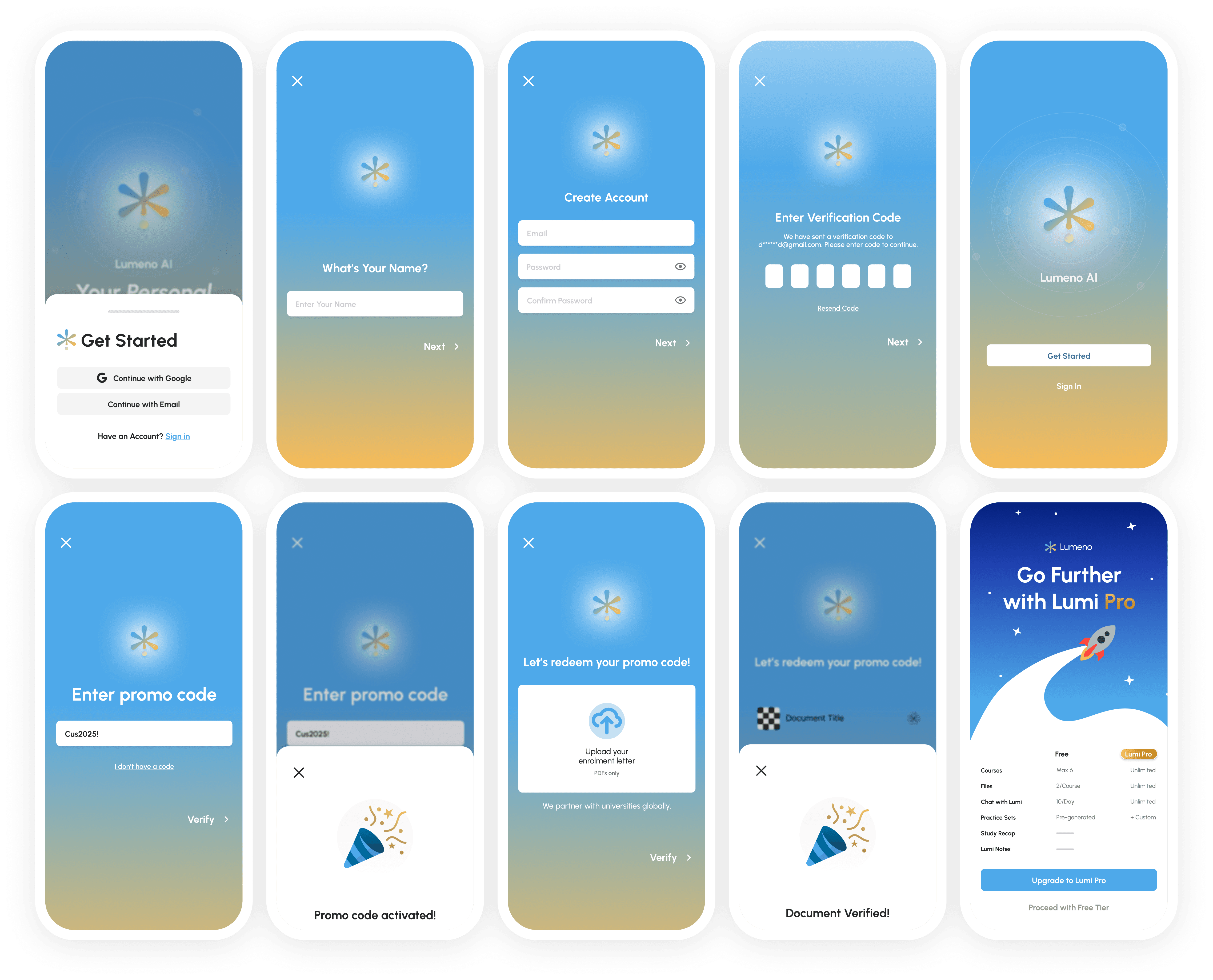
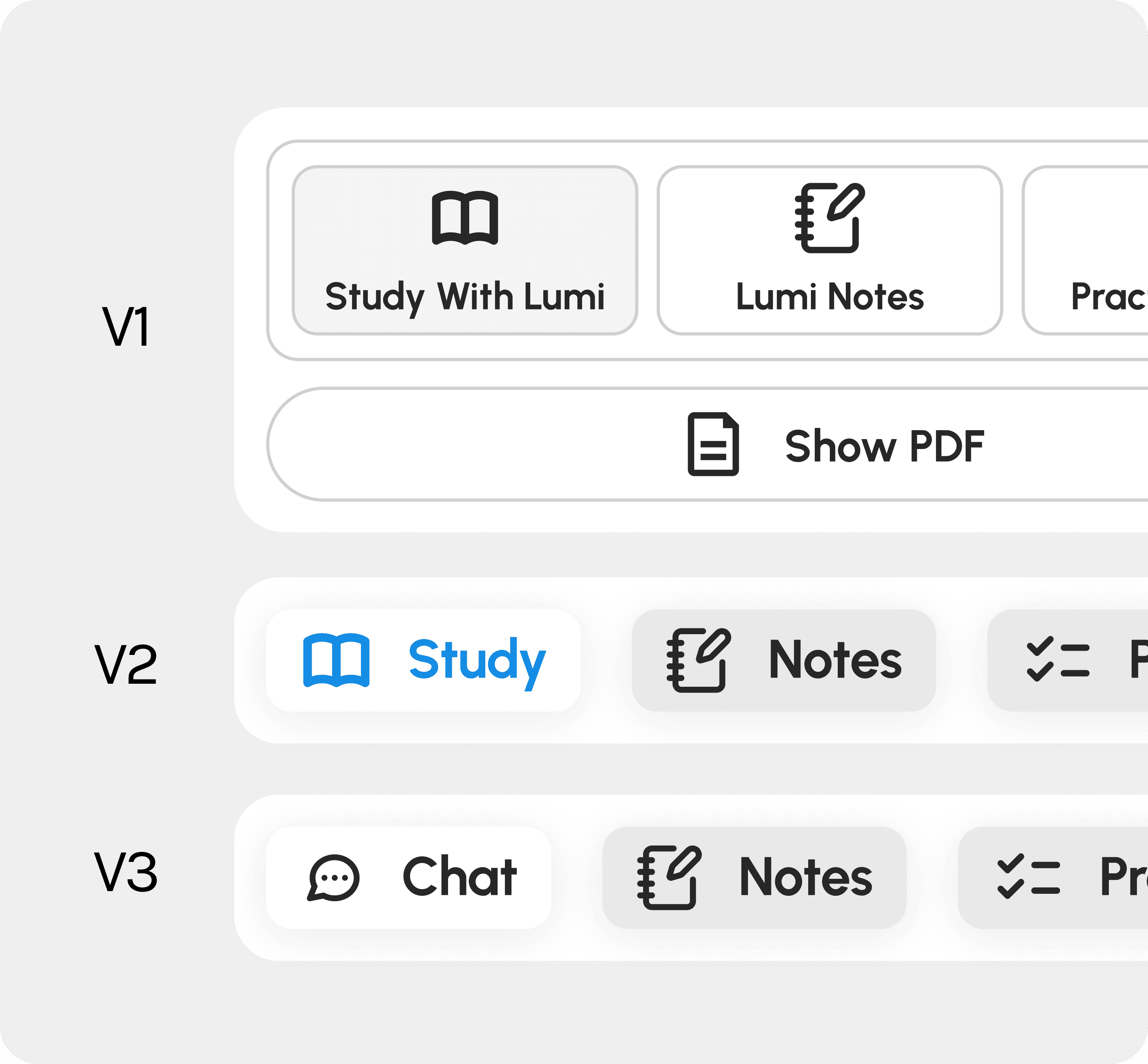
The app flow changed from document upload — into chat interface straight from onboarding.
IMAGE
THE BIG ONBOARDING OVERHAUL
MOBILE-FIRST ACCESSIBILITY
Moving to an iOS ecosystem wasn't just about a smaller screen; it was about leveraging mobile familiarity to humanize the AI. I designed the interface to feel friendly and recognizable, reducing the perceived complexity of the tool. 50-65% of 100 users we interviewed preferred studying on their iPad rather than a laptop. They found it lighter, more portable, and better suited for class environments.




IMAGE
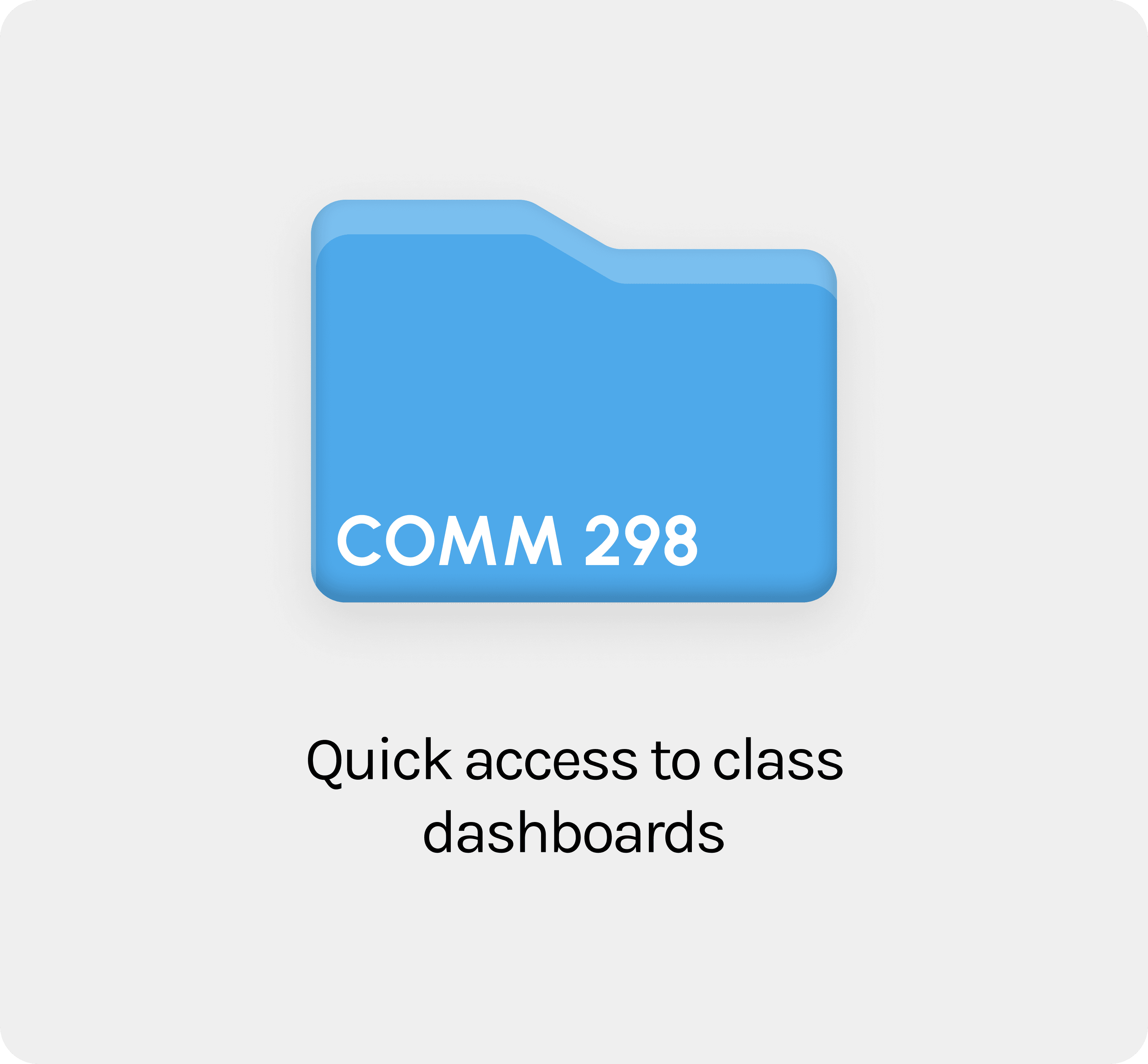
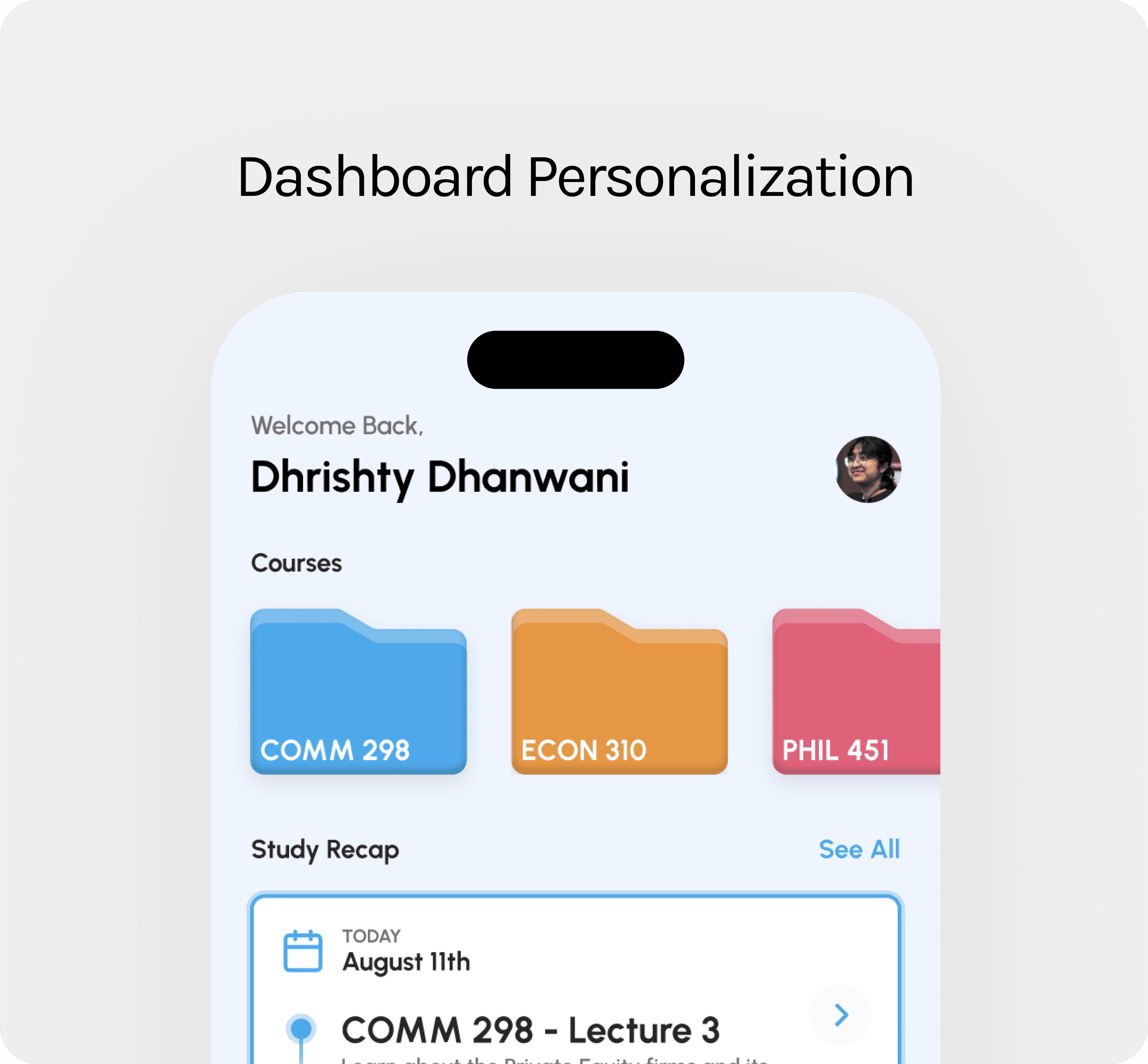
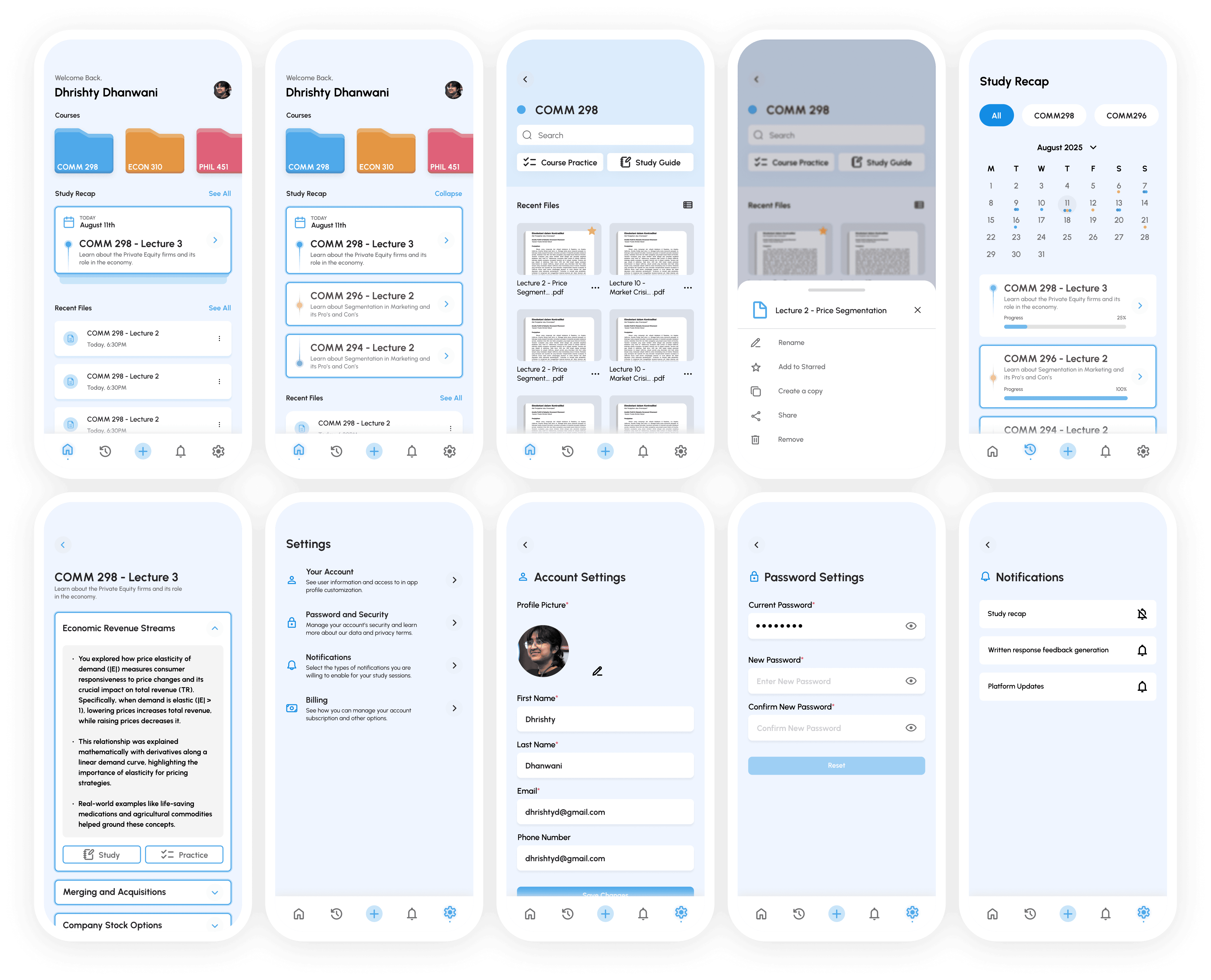
DASHBOARD, SETTINGS, STUDY RECAP
THE MICRO DETAILS
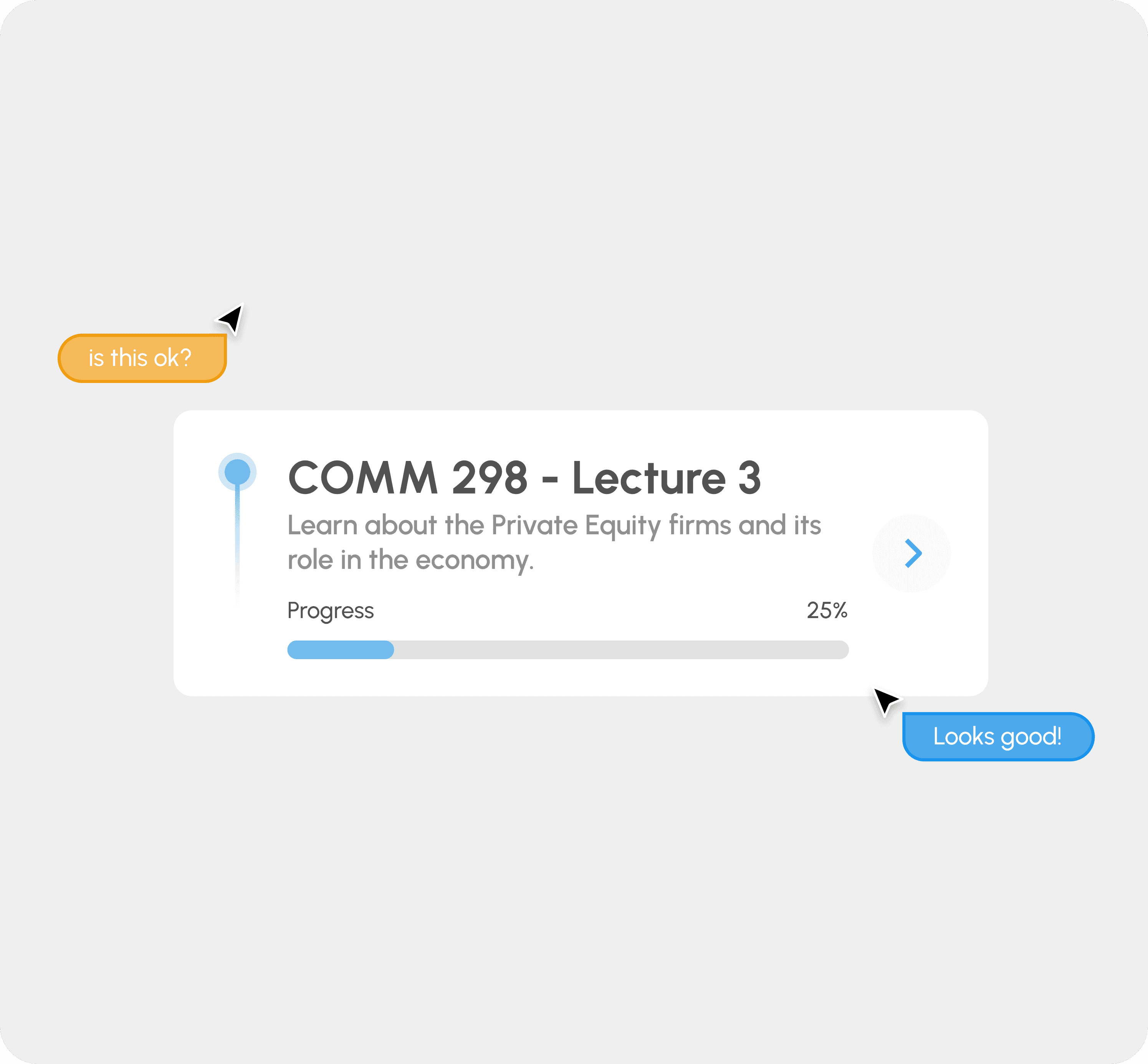
To ground the digital experience, I designed a signature card-stacking animation for the task dashboard. This micro-interaction provides a sense of physical accomplishment as users move through their learning modules.
KEY METRIC
A 30% reduction in misclicks and a more cohesive, professional brand identity that scales across the entire product ecosystem.
KEY LEARNING
User data ≠ Business goals. While user needs are still important, we still need to adjust towards what the business wants the users to see first.
IMAGE
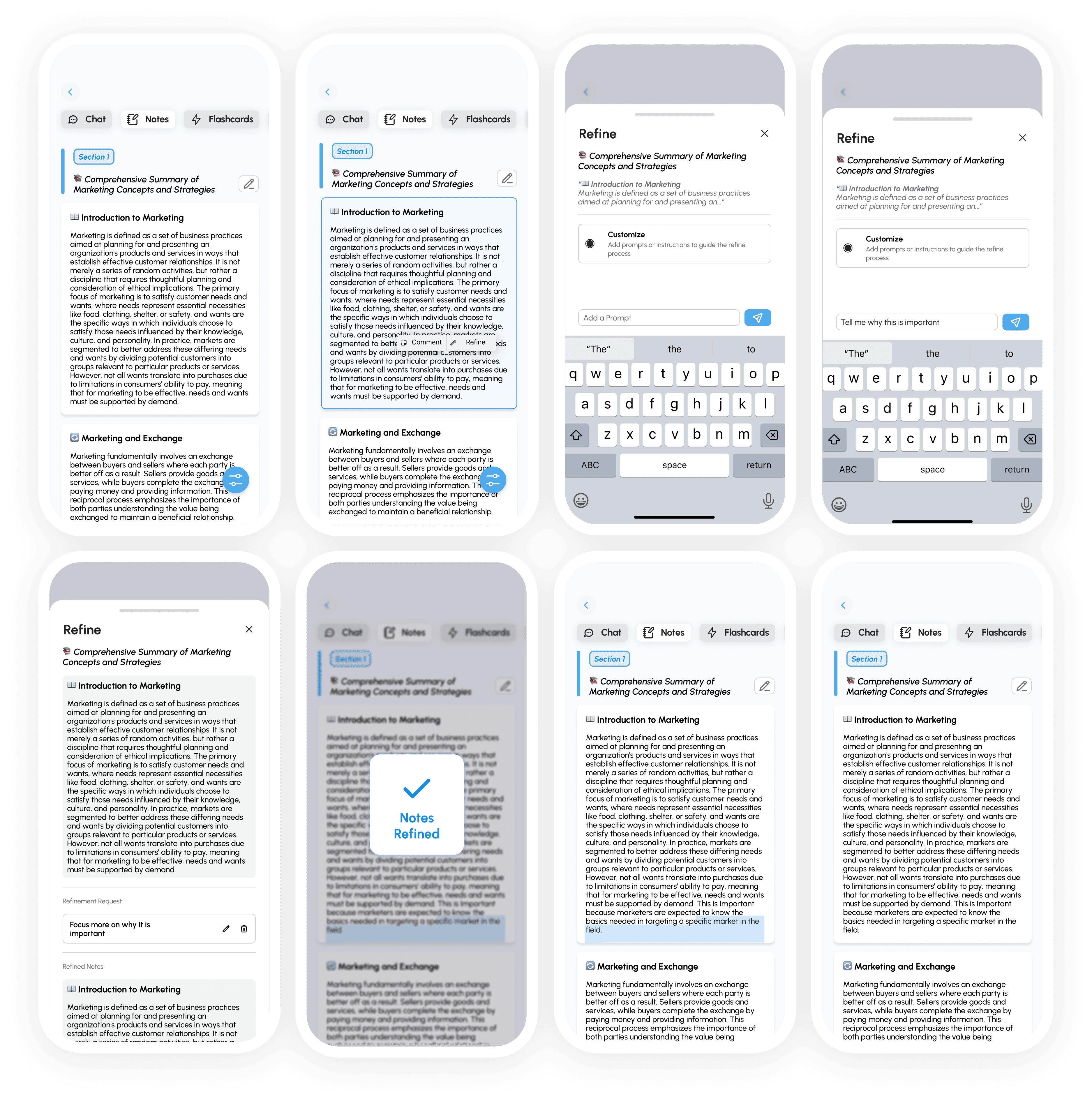
LUMI NOTES - REFINE FUNCTION